

A website that works
after launch.
Built-in AI takes you from a brief to a published site, then helps keep it current and handle customer inquiries — from a simple panel, or straight from Telegram.
What the site does once it is live.
Pubner is the CMS you can run from your pocket: it pings you in Telegram, you answer it there — done.
-
Telegram assistantA new inquiry is in your Telegram before the visitor closes the tab. Reply, update the site, send photos or voice notes — the assistant does the clicking.
-
Content autopilotSet a schedule — “a weekly post about coffee” — and wake up to fresh drafts waiting for your approval.
-
AI chat for your visitorsOn paid plans, a small chat on your site answers visitors 24/7 — about your services and prices, in your site's languages, from your real content.
-
Morning summaryEvery morning at 8:00 in Telegram — a few lines about yesterday: visits, inquiries, orders, bookings and money, and on Monday the whole week. You always know your site is alive.
From a brief to a published client website — and less repeat work after it.
Describe it
Tell the AI about the business — it drafts the structure, copy, style and photos.
Publish it
Check the live preview, adjust anything by asking, and put the site out.
AI takes the routine
Scheduled drafts, visitor answers, inquiries in Telegram. Design edits land in a draft until you publish.
The client gets a login
Limited to what they should touch — content stays editable, the structure stays safe.
One assistant. AI Assistant.
The same assistant in the builder, on every page of the panel and in Telegram: it builds your site when you start and helps you run it every day after. It remembers you and does only what your role allows. Prefer doing things yourself? Everything works by hand too.
Builds
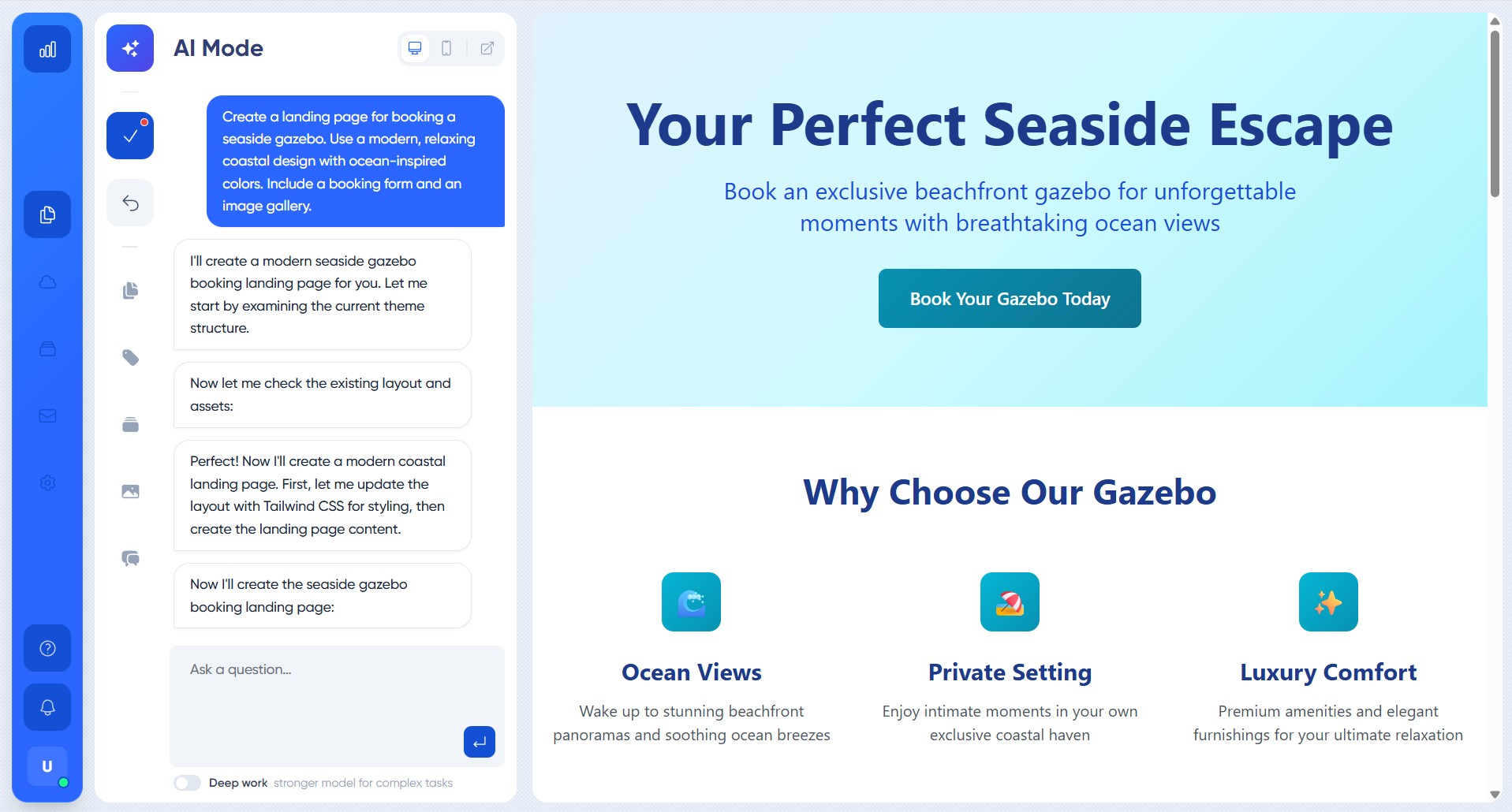
Describe what you need in plain words — the AI designs and builds it: structure, styles, texts, photos. Don't like something? Just say what to change.
Runs
On any page of your panel — and in your Telegram. It writes posts, translates, tidies up content and replies to inquiries. It sees your real site; changes to anything live, and replies that leave the site, wait for your OK.
What your site can do.
Not just pages. The site takes appointments, stays and orders and keeps your customers, and you see all of it in one panel and in Telegram.
Appointments
Visitors pick a service, a person and a free time. Everyone has their own hours; days off and special days count. A service booked by the whole day works too, a photo shoot or a hall.
Stays by the night
Rooms, cabins, rentals: guests pick check-in and check-out, the site shows the busy days and works out the price. Several identical rooms are one card with a quantity.
Shop and orders
A cart, a checkout, payment on receipt or online, pickup or delivery. Orders arrive in the panel with a fulfilment status and a payment status.
Customers
Every enquiry, booking and order lands on the customer's card: their history, what they spent, when they last came. Reply from the panel, as your site.
Telegram and a morning summary
A new enquiry reaches your Telegram while the visitor is still on the page. Every morning, a short summary: what is new and what waits for you.
Your domain, your code
Connect your own domain and the panel moves to it with the site. Export the whole site any time: its code, design, structure and content.
Everything included. Nothing to assemble.
The tools a small business actually needs — working out of the box, no plugins to hunt for.
A design of your own
The AI builds a site that looks like your business — not like a template a thousand others use. Any detail changes by asking.
Found on Google — and in AI
Sitemap, meta tags and llms.txt out of the box. Your site is readable for search engines and for the AI assistants people ask for recommendations.
Any content, not just posts
News, menu, services, portfolio, team — create the sections your business needs, with exactly the fields you want.
Speaks your customers' languages
Add a language, then ask the AI to translate your content — it tells you what is still untranslated. No clunky plugins.
Clean code under the hood
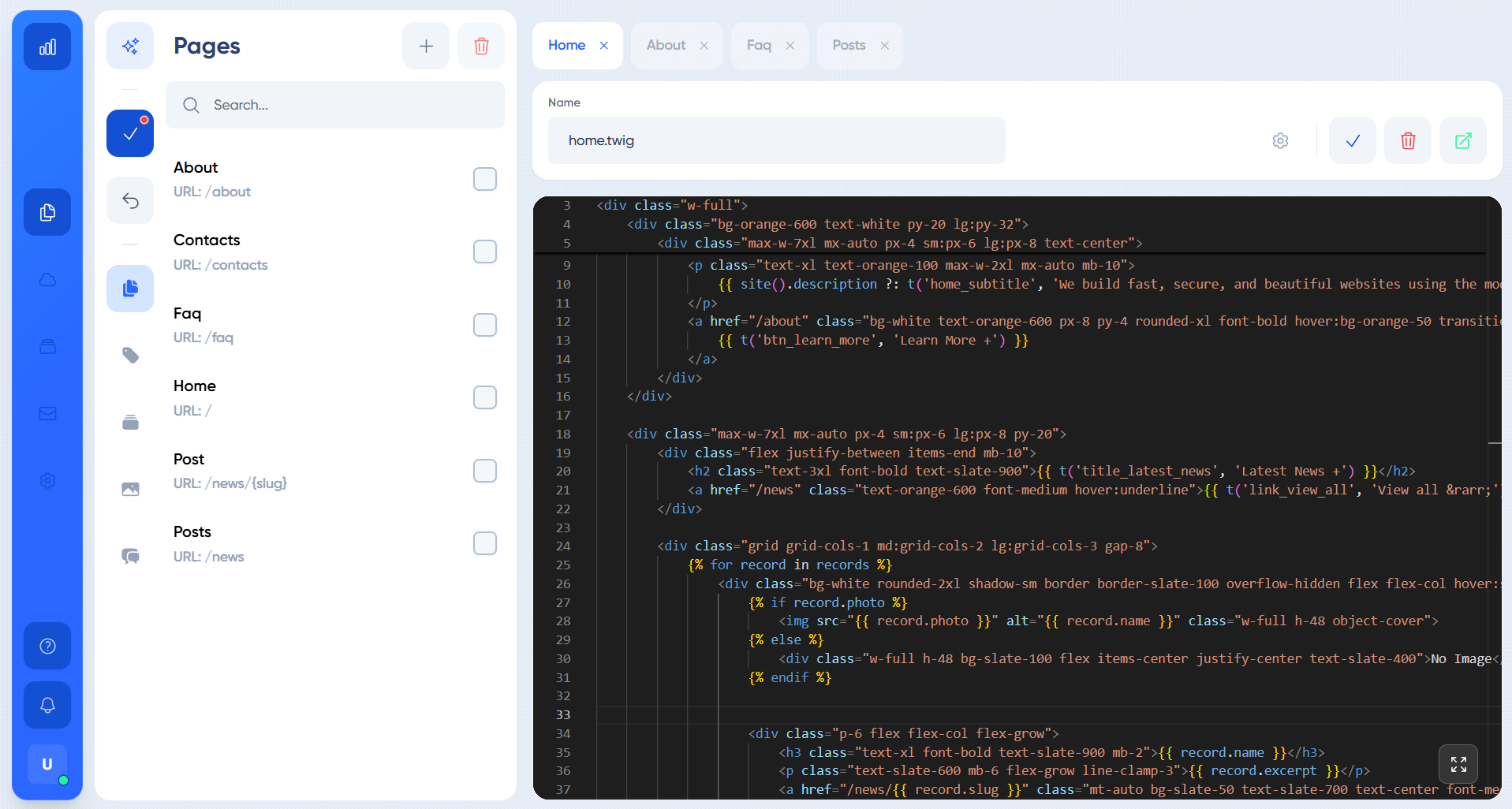
Your site isn't locked inside a builder's blocks. Export the whole site whenever you want: the plain Twig it's drawn with, its design, structure and texts as YAML and JSON, your content and media — any developer you hire can pick it up from there.
All your sites in one place
Run one site or up to 5: one login, clear billing, and on each site roles with the right permissions for each person.
Your business deserves its own website.
Launch it today with a 14-day free trial. No card required, no template look.
Create my websiteSign up in under a minute — with Google or your email.